Chrome extension
Hush
Rejects cookie banners, stops pop-ups and autoplay, and swaps ads for calm art.
What it does
Hush quiets the web.
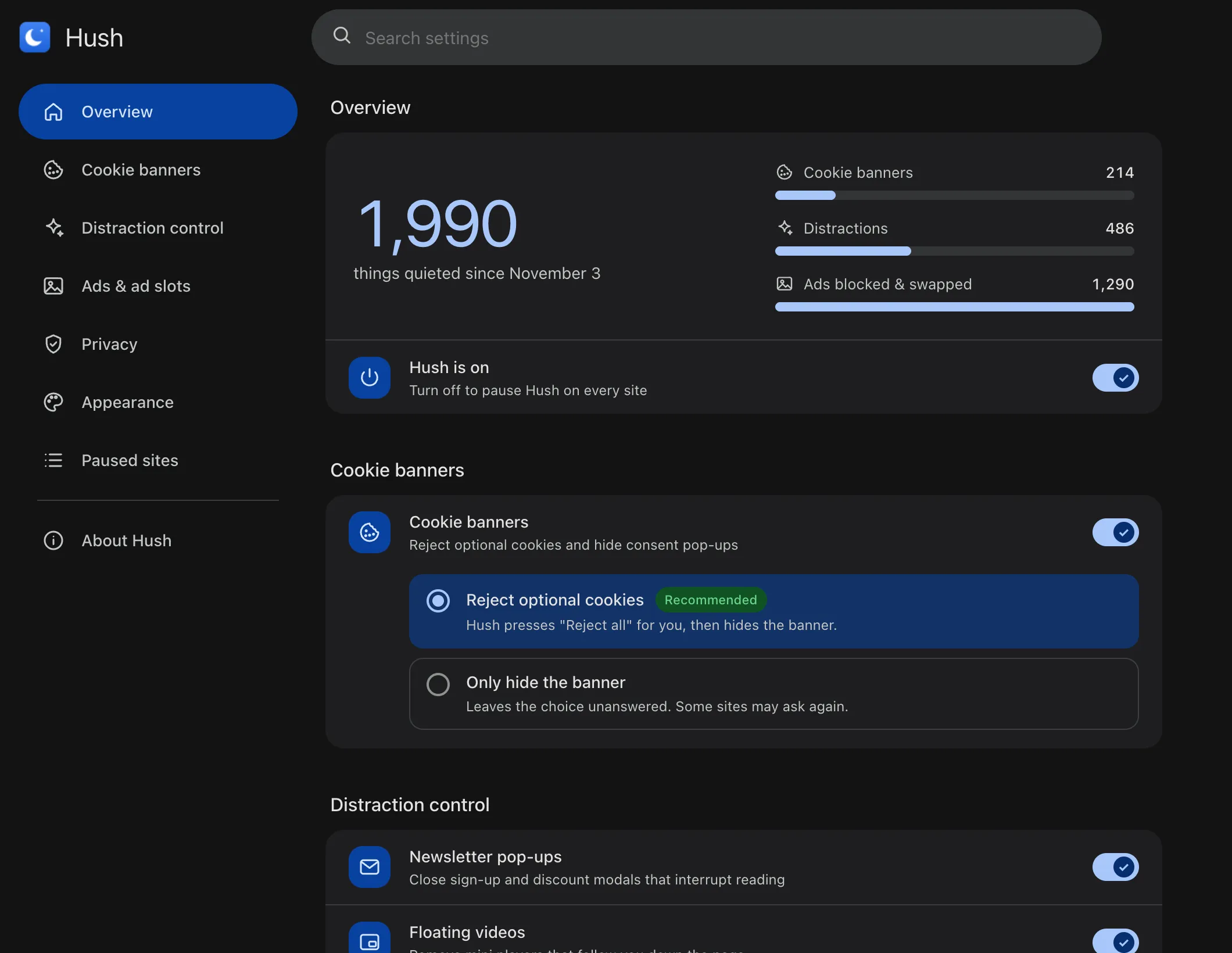
Cookie banners, rejected
Clicks “Reject all” on the common consent tools, hides the banner and unlocks scrolling.
No newsletter pop-ups
Spots sign-up pop-ups and closes them, but leaves alone anything you opened yourself.
Ads become calm art
Blocks ads and trackers, then fills the space with a note, cats, dogs, landscapes or calm art.
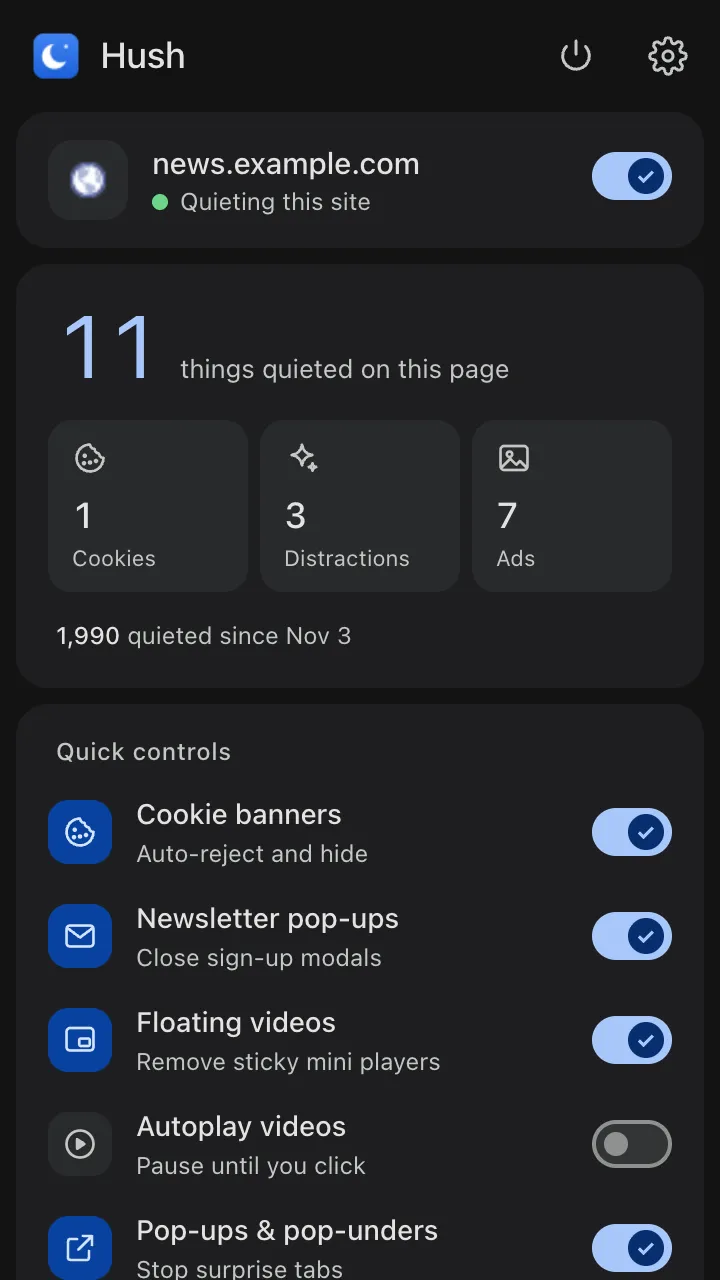
Quiet video
Hides floating video players and can pause videos that start on their own.
Fewer interruptions
Declines notification prompts and stops pop-unders you didn’t click.
Yours to tune
Light, dark or device theme, five accents, and a one-click pause for any site.
Your data
Nothing leaves your device.
Hush works entirely inside your browser. It doesn’t collect or send your browsing history to anyone, and it has no servers.
Read the privacy policy →- Your settings are saved with Chrome’s storage. If you use Chrome sync, Google syncs them between your devices.
- Blocking rules ship inside the extension and are applied by Chrome itself.
- No account, no analytics, no tracking.
Permissions it asks for 4
- Read and change data on all sites
- Needed to find and remove cookie banners, pop-ups and ads on whatever site you visit.
- Block content (declarativeNetRequest)
- Lets Chrome block ad and tracker requests using Hush’s built-in rules.
- Tabs and favicons
- Shows the current site and its icon in the Hush popup so you can pause it.
- Storage
- Saves your settings.
Getting it
The Chrome Web Store listing is coming soon.
- 01
Hush isn’t on the Chrome Web Store yet.
- 02
When the listing is live, the button on this page will take you there.
Known limits 2
- Blocking uses a small hand-written rule set, not a large community list, so some ads will get through.
- Banner and pop-up detection is pattern-based. Expect the occasional miss.